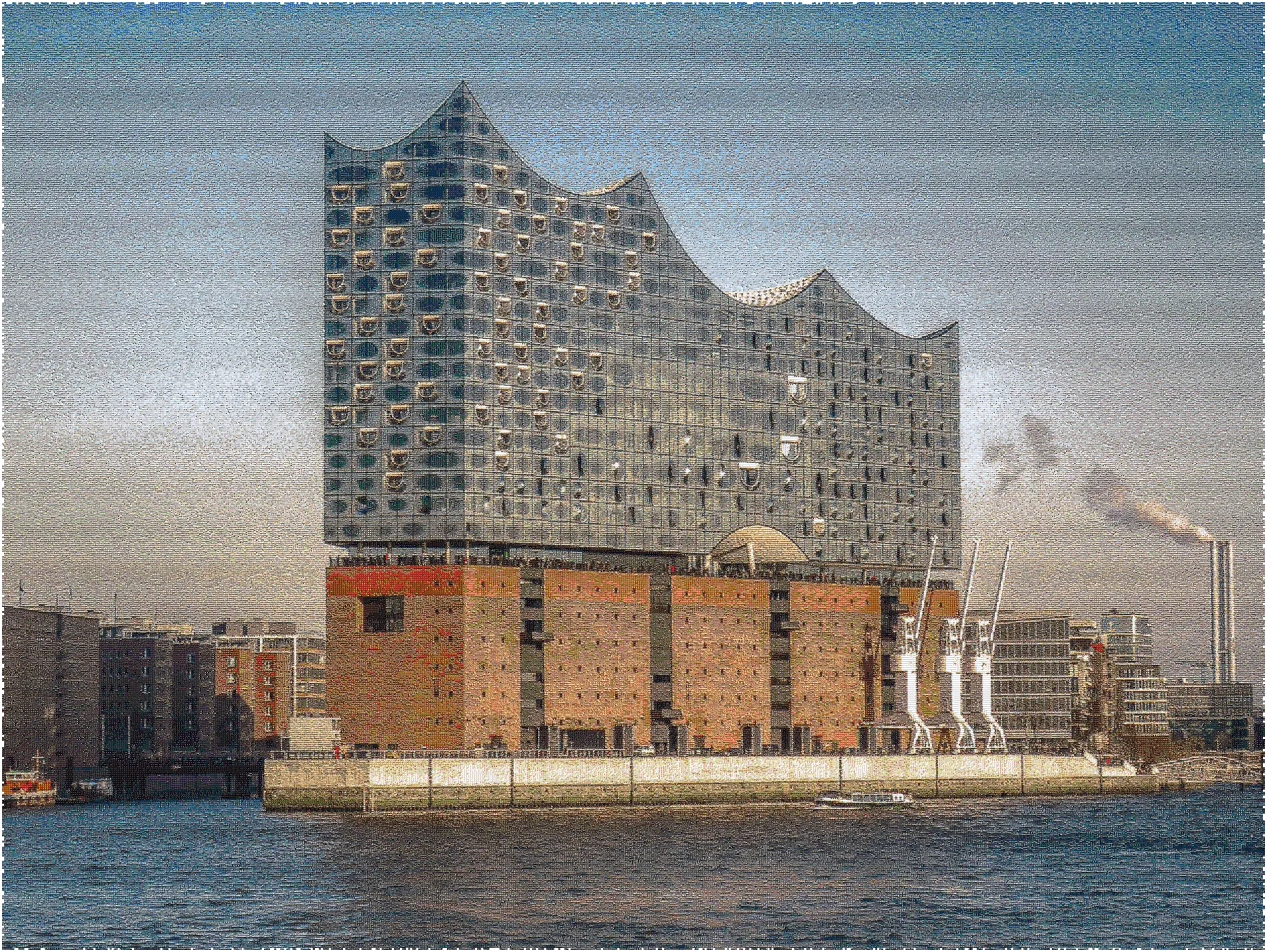
Not a static collage. An interactive, zoomable mosaic powered by WebGL — zoom from the full composite down through thousands of thumbnails to every individual photo in full resolution.
Most mosaic tools give you a flat image. Pixxclusive gives you an experience you can explore at every scale.
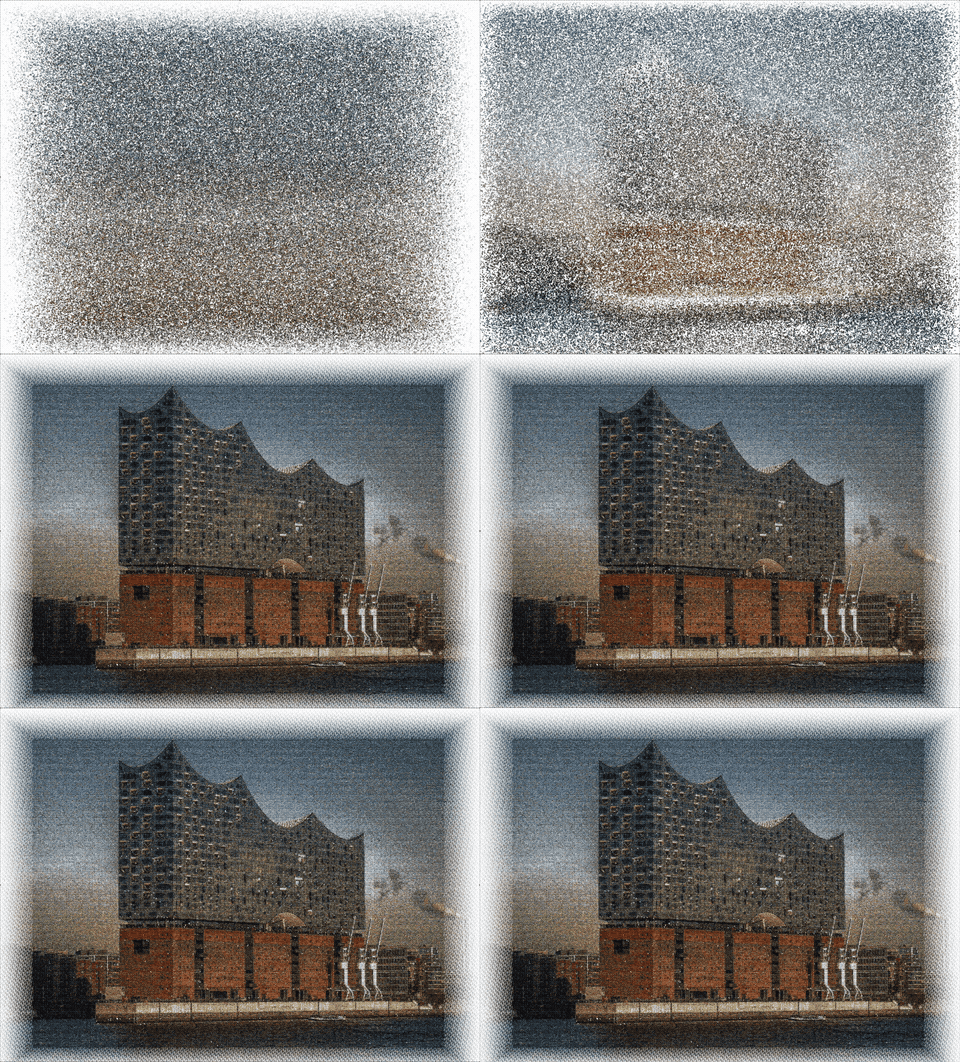
Zoomed out, your photos merge into one coherent image — like pointillism with your memories. A pre-rendered tile pyramid ensures the overview loads instantly at any viewport size.
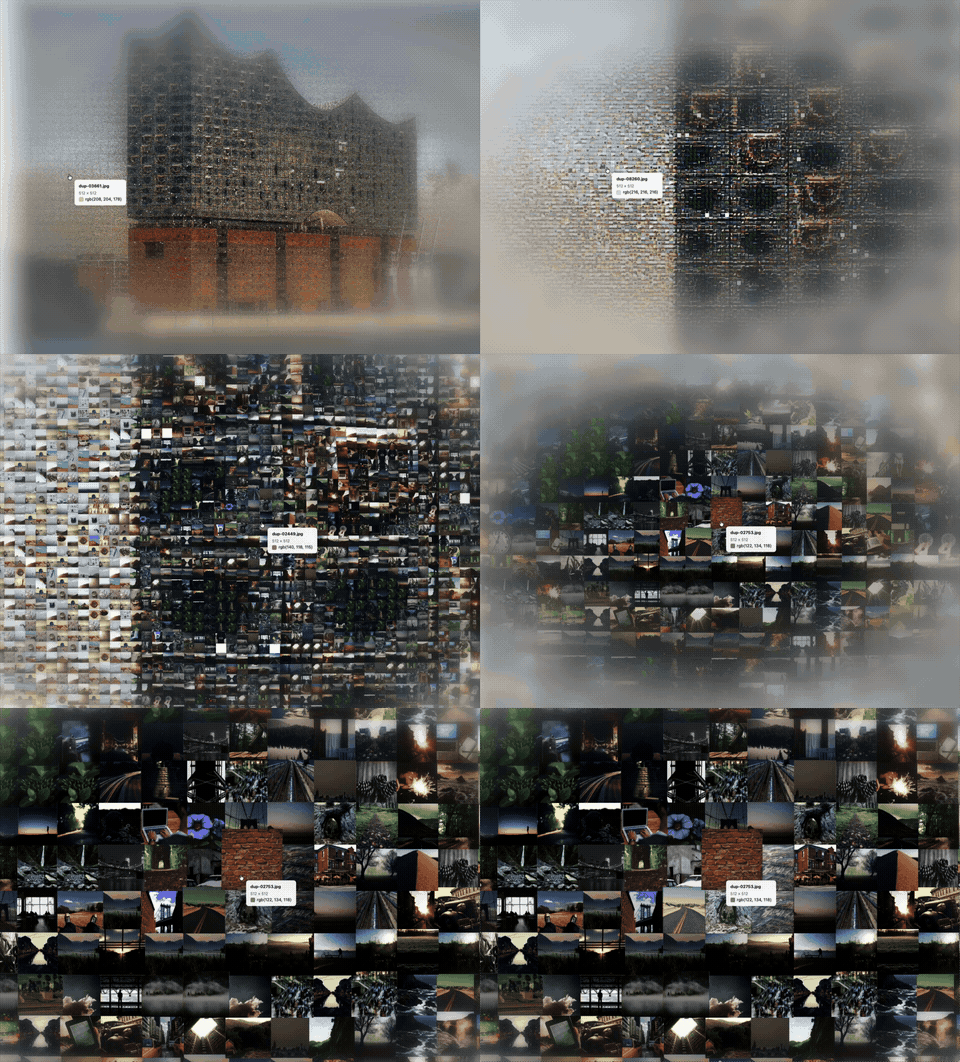
Zoom in and thousands of individual thumbnails emerge, loaded from optimized atlas textures. Each 4K atlas packs hundreds of photos into a single GPU-friendly sheet for smooth scrolling.
Keep zooming — each photo loads at full resolution on demand via a priority queue. Click any image to see it up close. Every photo in your collection stays explorable.
Every layer of the pipeline is engineered to handle thousands of photos without compromise.
Drag and drop thousands of photos at once. Each image is automatically resized, optimized, and packed into atlas textures — no manual prep needed.
Upload a reference image and the algorithm rearranges your photos by color to form the picture. Adjust grid density to control the balance between detail and recognizability.
Real-time WebGL rendering works on desktop, tablet, and mobile. Pinch-to-zoom, pan across the canvas, and explore with fluid 60fps interaction.
Three-tier level of detail with priority loading. Seamless transitions from composite overview through thumbnails to full-resolution — no loading screens.
Upload, configure, build, explore.
Drag and drop your images — JPEG, PNG, or WebP. The pipeline handles collections from 2,000 to 10,000+ photos.
Optionally upload a reference image that the mosaic will resemble. Adjust the grid density slider to control how many photos appear per row.
Hit build and the server generates thumbnails, atlas textures, color data, and a tile pyramid. Track real-time progress as each stage completes.
Open the interactive viewer. Pan across the mosaic, zoom from the full composite down to any individual photo, and click through your collection.
Pixxclusive is currently invite-only. Request access to create your first interactive mosaic.
Request Access